
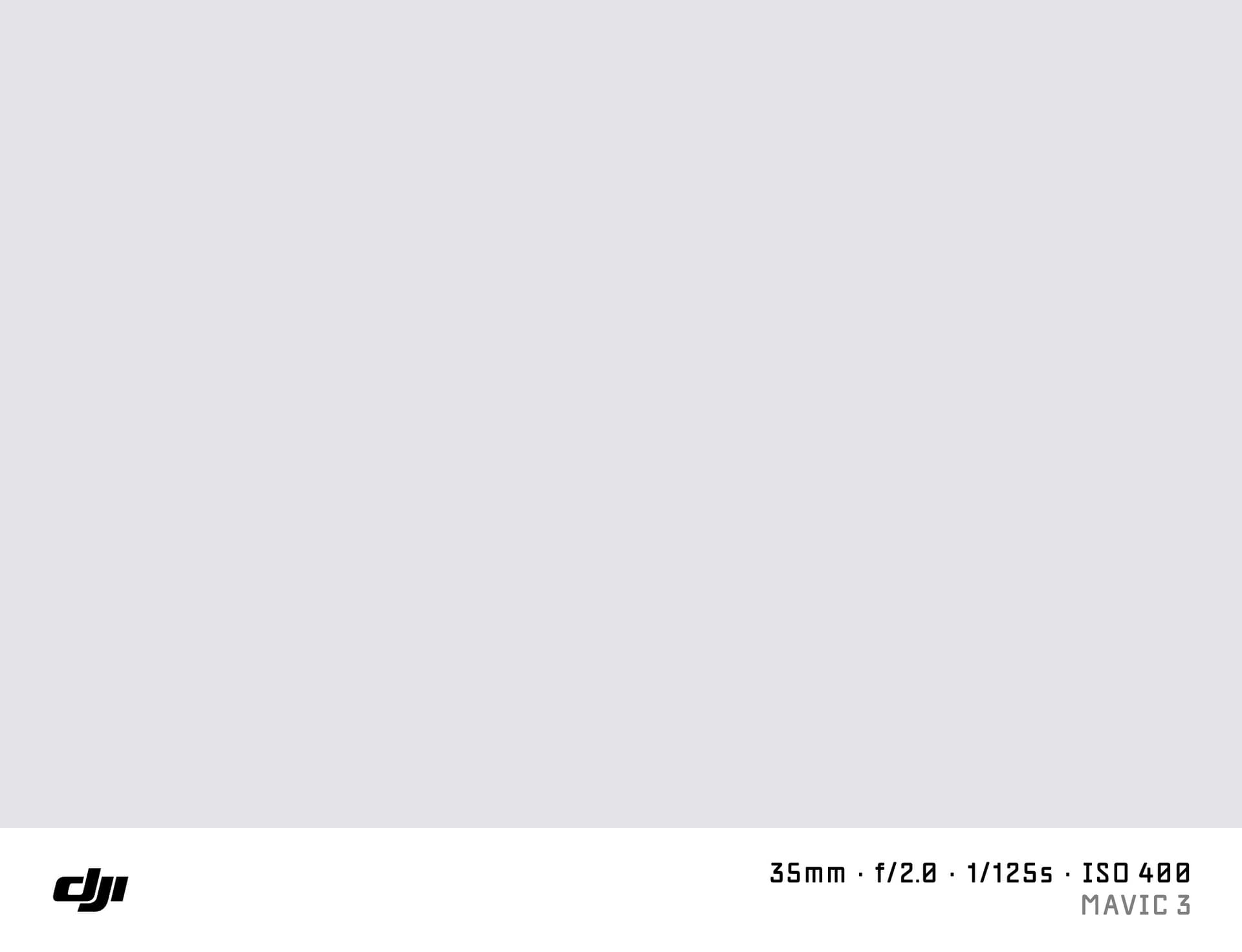
What is a Shot on DJI Watermark?
A "shot on DJI" watermark adds the DJI logo and your drone model details to the bottom of an aerial photo. DJI is the dominant drone manufacturer, and its Mavic, Air, and Mini series are used by aerial photographers, real estate professionals, filmmakers, and travel creators worldwide.
SHOTON generates this watermark entirely in your browser. No photo is uploaded.
What Camera Info Appears?
| Field | Example |
|---|---|
| Brand logo | DJI logo |
| Camera model | DJI Mavic 3 |
| Aperture | f/2.8 |
| Shutter speed | 1/500s |
| ISO | ISO 100 |
| Focal length | 24mm |
DJI drones write EXIF data to the photos they capture. SHOTON reads it automatically.
Supported DJI Drone Models
- DJI Mavic 3 Pro — triple-camera flagship with Hasselblad main lens and 5× zoom
- DJI Mavic 3 Classic — 4/3" CMOS sensor, Hasselblad colour science
- DJI Air 3 — omnidirectional obstacle sensing, dual main camera
- DJI Mini 4 Pro — 48 MP drone under 249g, no registration required in most regions
- DJI Avata 2 — FPV quadcopter with immersive flight
- DJI Osmo Pocket 3 — 1" CMOS handheld gimbal camera
All DJI models are supported. If EXIF doesn't identify your model automatically, you can type any model name in the EXIF tab in the editor.
DJI EXIF Notes
DJI writes EXIF Make as "DJI" and the model as the full product name. GPS coordinates and altitude are included in DJI EXIF. SHOTON reads GPS data but does not display GPS in the watermark bar by default — the tool focuses on camera info.
If your DJI Mavic 3 uses the Hasselblad-branded camera system, EXIF Make may show "Hasselblad" instead of "DJI." Both are supported.
How to Add a Shot on DJI Watermark
- Upload your aerial photo using the dropzone above.
- The Classic frame opens automatically. SHOTON detects the DJI logo from EXIF; if the brand is missing, DJI is suggested and can be changed from Frame settings.
- Edit model or aperture info in the EXIF editor if needed.
- Download your full-resolution image.
Privacy
Processing happens entirely in your browser. No aerial photos are transmitted.
Frequently Asked Questions
My DJI Mavic 3 shows Hasselblad branding in EXIF — which logo appears? The Hasselblad logo will appear since the EXIF Make is "Hasselblad." If you want the DJI logo, change the brand in the EXIF editor.
Does SHOTON work with DJI Osmo Action / Pocket photos? Yes. Export as JPEG or PNG and upload. DJI Osmo models write "DJI" in EXIF.
Can I add altitude to the watermark? Not automatically, but you can add it to the model field — for example "DJI Mini 4 Pro — 120m AGL" using the EXIF editor.
Is this free? Yes, completely free.
Does this work on iPhone or Android? Yes. Upload a photo directly from your phone using the dropzone above, or tap Camera Mode to shoot with a live filter preview. SHOTON reads your camera brand from EXIF when available. For uploads from this page, DJI is suggested if no brand is detected; you can change the logo from Frame settings.
All brand names, logos, and trademarks referenced on this page are the property of their respective owners. SHOTON is an independent tool and is not affiliated with, endorsed by, or sponsored by any camera or phone manufacturer.