
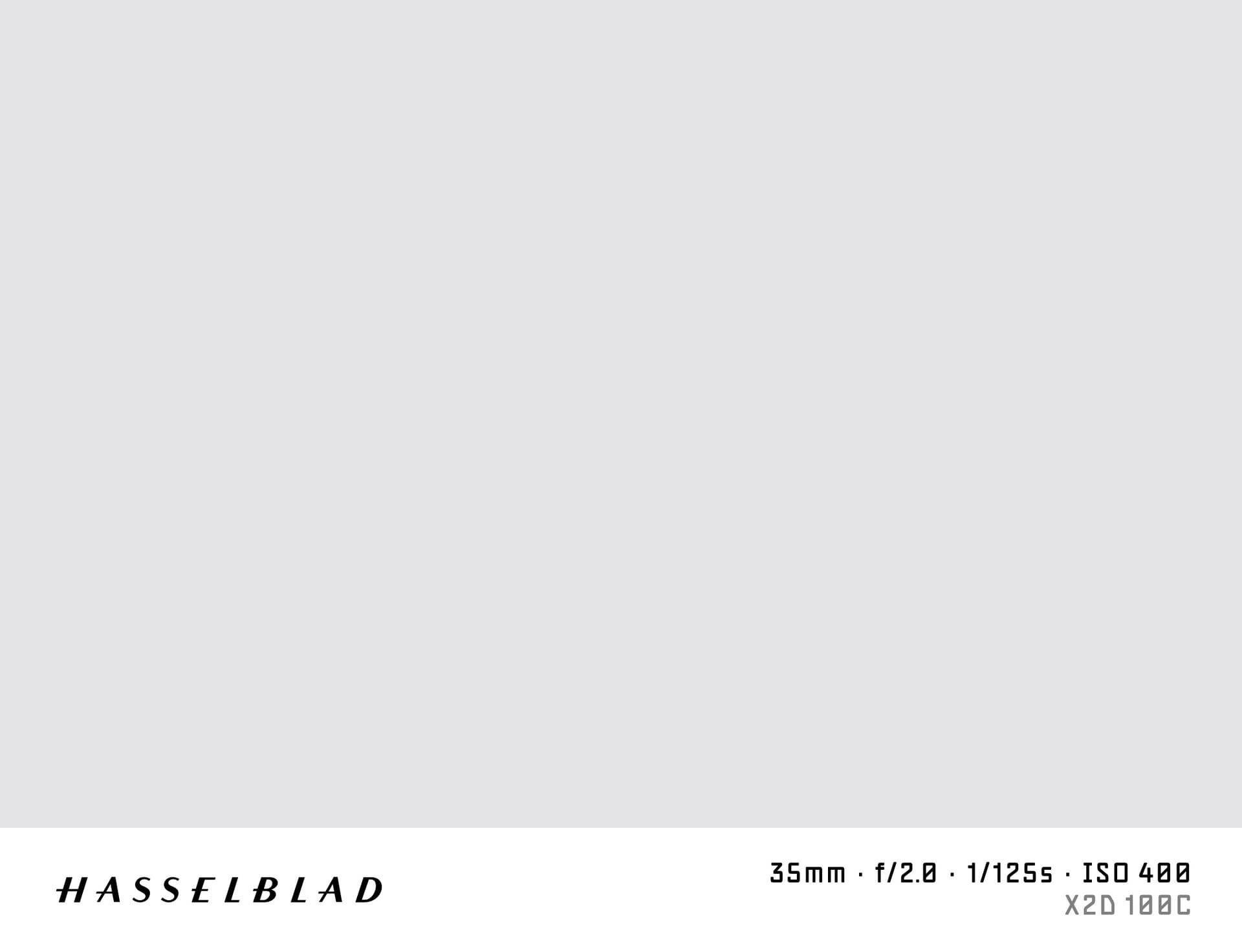

What is a Shot on Hasselblad Watermark?
A "shot on Hasselblad" watermark adds the distinctive Hasselblad logo and medium format camera details to the bottom of your photo. Hasselblad is synonymous with large-format quality — the H, X, and 907X systems are used in commercial photography, fine art printing, and scientific imaging.
SHOTON renders this watermark entirely in your browser. No image is sent to a server.
What Camera Info Appears?
| Field | Example |
|---|---|
| Brand logo | Hasselblad logo |
| Camera model | Hasselblad X2D 100C |
| Aperture | f/5.6 |
| Shutter speed | 1/250s |
| ISO | ISO 64 |
| Focal length | 65mm |
EXIF data is read from your Hasselblad file. All values are editable.
Supported Hasselblad Models
- Hasselblad X2D 100C — 100 MP CMOS medium format, the current X-mount flagship
- Hasselblad 907X 50C — modular body compatible with historic V-system lenses
- Hasselblad X1D II 50C — 50 MP medium format mirrorless, lightweight for its sensor class
- Hasselblad H6D-100c — 100 MP H-system for studio and phase-array capture
- Hasselblad L1D-20c — the camera integrated into DJI Mavic 3, 20 MP 4/3" sensor
All Hasselblad models are supported. If EXIF doesn't identify your model automatically, you can type any model name in the EXIF tab in the editor.
Hasselblad and DJI Collaboration
Hasselblad co-develops the camera systems used in DJI Mavic 3 and Mavic 3 Pro drones. These drones write Hasselblad EXIF branding. SHOTON recognises Hasselblad EXIF from both dedicated cameras and DJI drones that use Hasselblad optics.
How to Add a Shot on Hasselblad Watermark
- Upload your photo using the dropzone above (JPEG, PNG, or TIFF exported to JPEG).
- The Classic frame opens automatically. SHOTON detects the Hasselblad logo from EXIF; if the brand is missing, Hasselblad is suggested and can be changed from Frame settings.
- Edit model and aperture in the EXIF editor if needed.
- Download your full-resolution image.
Privacy
Everything runs locally in your browser. 100 MP files can be large — SHOTON processes at full resolution in export mode.
Frequently Asked Questions
Does the Hasselblad logo appear on the watermark? Yes. The Hasselblad orange logo is included in the Classic bar.
My DJI Mavic 3 has Hasselblad branding — will the Hasselblad logo appear? Yes. SHOTON applies the Hasselblad logo when the EXIF Make contains "Hasselblad."
Can I use this for 100 MP photos? Yes. SHOTON exports at the original resolution. Large files may take a few seconds to process.
Is this free? Yes, completely free with no account.
Does this work on iPhone or Android? Yes. Upload a photo directly from your phone using the dropzone above, or tap Camera Mode to shoot with a live filter preview. SHOTON reads your camera brand from EXIF when available. For uploads from this page, Hasselblad is suggested if no brand is detected; you can change the logo from Frame settings.
All brand names, logos, and trademarks referenced on this page are the property of their respective owners. SHOTON is an independent tool and is not affiliated with, endorsed by, or sponsored by any camera or phone manufacturer.