
What is a Shot on Leica Watermark?
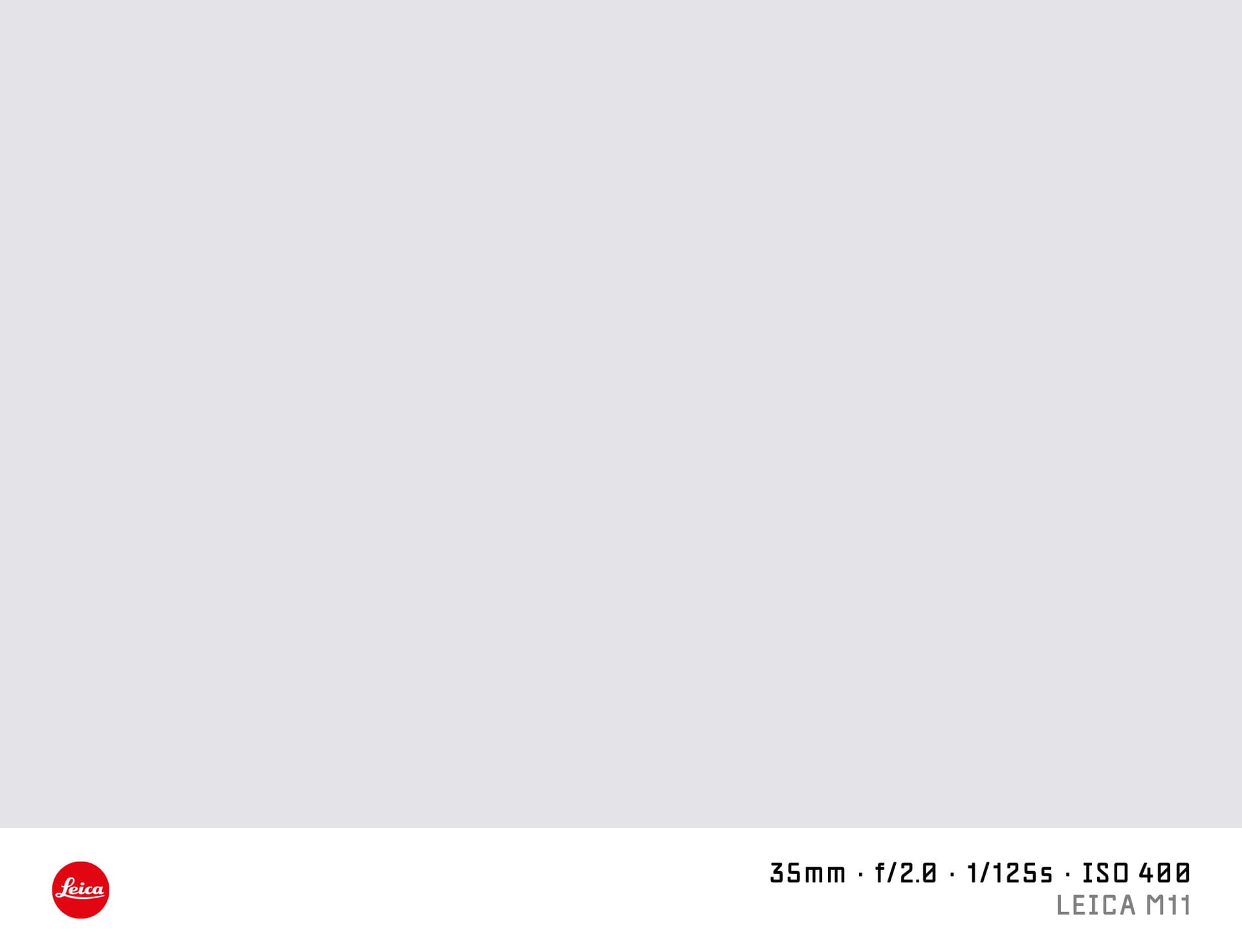
A "shot on Leica" watermark adds the iconic Leica red dot logo and camera info to the bottom of your photo. It is used by Leica photographers to share the context of their gear — rangefinder body, M-mount or SL lens, aperture, and shooting speed.
SHOTON renders this entirely in your browser. The red dot logo is sized and scaled correctly for the Classic bar format.
What Camera Info Appears?
| Field | Example |
|---|---|
| Brand logo | Leica logo |
| Camera model | Leica M11 |
| Aperture | f/2.0 |
| Shutter speed | 1/250s |
| ISO | ISO 800 |
| Focal length | 35mm |
EXIF data reads automatically from your Leica file. All values are editable.
Supported Leica Models
- Leica M11 — 60 MP BSI full-frame rangefinder, the current M-series flagship
- Leica M11 Monochrom — dedicated black-and-white sensor, no colour filter array
- Leica Q3 — 60 MP full-frame with a fixed Summilux 28mm f/1.7 APO
- Leica SL3 — 60 MP mirrorless with phase-detect AF and SL/M lens support
- Leica M10-R — 40 MP rangefinder, popular for its understated rendering
- Leica D-Lux 8 — compact with Leica-branded Micro Four Thirds sensor
All Leica models are supported. If EXIF doesn't identify your model automatically, you can type any model name in the EXIF tab in the editor.
Leica EXIF Characteristics
Leica cameras write EXIF Make as "LEICA CAMERA AG" or "LEICA". SHOTON normalises all Leica variants to the correct logo. Aperture and shutter speed read correctly from the M series. For older M-lenses without electronics (like the 6-bit coded legacy lenses), the aperture field will be absent — enter it manually in the EXIF editor.
How to Add a Shot on Leica Watermark
- Upload your photo using the dropzone above (JPEG, PNG, HEIC).
- The Classic frame opens automatically. SHOTON detects the Leica logo from EXIF; if the brand is missing, Leica is suggested and can be changed from Frame settings.
- Open the EXIF editor to adjust model or lens aperture if needed.
- Download your full-resolution image.
Privacy
All processing happens locally. Leica DNG RAW files should be exported to JPEG or PNG first.
Frequently Asked Questions
Will the Leica red dot logo appear? Yes. The Leica logo is the Leica wordmark/mark and is applied when Leica EXIF is detected. If the metadata is missing, Leica is suggested from this page and can be changed from Frame settings.
My Leica M has no electronic aperture — can I still add it? Yes. Open the EXIF editor and type the aperture you used. The watermark will show it correctly.
Can I use this for Leica film photos I scanned? Yes. Scanned film photos have no EXIF. The EXIF editor lets you fill in any values manually — body, aperture, shutter, and ISO.
Does SHOTON support the Leica Q3 fixed-lens camera? Yes. Any Leica model works — the model name is just text in the EXIF editor.
Is this free? Yes. SHOTON is free with no account required.
Does this work on iPhone or Android? Yes. Upload a photo directly from your phone using the dropzone above, or tap Camera Mode to shoot with a live filter preview. SHOTON reads your camera brand from EXIF when available. For uploads from this page, Leica is suggested if no brand is detected; you can change the logo from Frame settings.
All brand names, logos, and trademarks referenced on this page are the property of their respective owners. SHOTON is an independent tool and is not affiliated with, endorsed by, or sponsored by any camera or phone manufacturer.