

What is a Shot on Fujifilm Watermark?
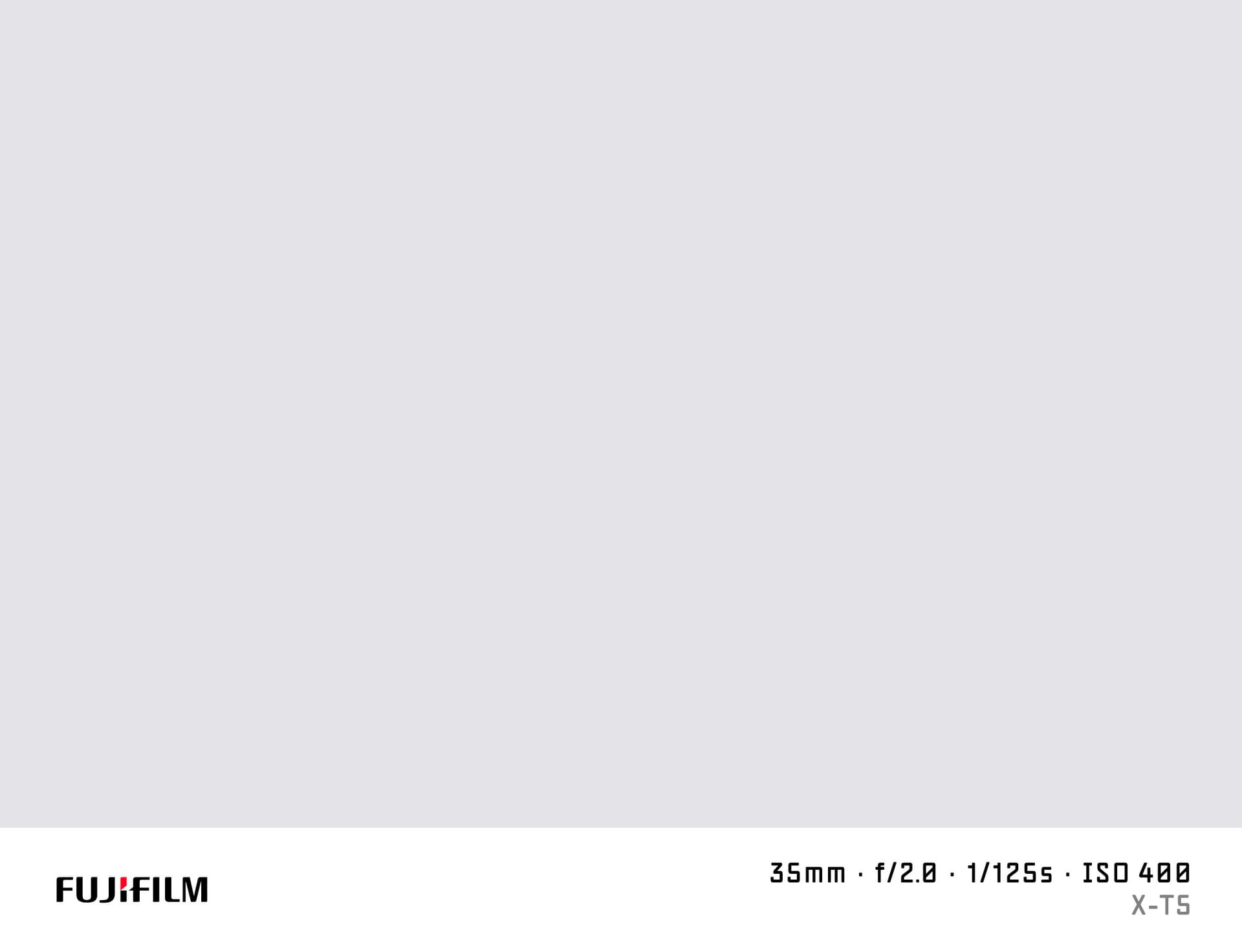
A "shot on Fujifilm" watermark places the Fujifilm logo and shooting data at the bottom of your photo in a classic camera info bar. It is a popular way to share Fujifilm photos on social platforms while communicating both the gear and the film simulation used.
SHOTON generates the watermark locally in your browser. No image data is transmitted.
What Camera Info Appears?
| Field | Example |
|---|---|
| Brand logo | Fujifilm logo |
| Camera model | Fujifilm X-T5 |
| Aperture | f/2.0 |
| Shutter speed | 1/500s |
| ISO | ISO 320 |
| Focal length | 35mm |
All values are read from EXIF automatically and can be edited before you download.
Supported Fujifilm Models
Fujifilm's X-series and GFX lineup are among the most popular for film simulation and retro-style photography:
- Fujifilm X-T5 — 40 MP APS-C in a compact rangefinder body, ideal for street and travel
- Fujifilm X100VI — fixed-lens compact with built-in ND filter and in-body stabilisation
- Fujifilm X-S20 — versatile hybrid with vlog-friendly features and a rear screen
- Fujifilm GFX100S II — 102 MP medium format, portrait and fine art
- Fujifilm X-M5 — ultra-compact content creator body for short-form video
- Fujifilm X-Pro3 — optical/electronic hybrid viewfinder, street photography icon
All Fujifilm models are supported. If EXIF doesn't identify your model automatically, you can type any model name in the EXIF tab in the editor.
Fujifilm Film Simulations and Watermarks
Fujifilm cameras are famous for their in-camera film simulations — Classic Neg, Eterna, Velvia, Provia, Astia. SHOTON has built-in film presets inspired by these looks. You can apply a film simulation to your photo and then add the Fujifilm shot-on watermark for a complete, authentic result.
The film preset and the watermark are independent steps — apply whichever combination you like.
How to Add a Shot on Fujifilm Watermark
- Upload your Fujifilm photo using the dropzone above.
- The Classic frame opens automatically. SHOTON detects the Fujifilm logo from EXIF; if the brand is missing, Fujifilm is suggested and can be changed from Frame settings.
- Optionally tap the Film button to apply a film simulation preset.
- Tap the EXIF button to verify or edit model and settings.
- Download your full-resolution watermarked image.
Privacy
Processing happens entirely in your browser. Your Fujifilm RAW files should be exported to JPEG or PNG first — SHOTON works with standard image formats.
Frequently Asked Questions
Will the Fujifilm logo appear on the watermark? Yes. The Fujifilm wordmark logo is included and enabled when Fujifilm EXIF is detected. If the metadata is missing, Fujifilm is suggested from this page and can be changed from Frame settings.
My X-T5 writes "FUJIFILM" in EXIF — will the logo show? Yes. SHOTON normalises multiple Fujifilm EXIF naming variants to the correct logo.
Can I show the film simulation name in the watermark? Not directly in the watermark bar text, but you can add it to the model field — for example "X-T5 — Classic Neg." using the EXIF editor.
Does this work with JPEG output from the Fujifilm camera? Yes. Fujifilm cameras write clean EXIF and the data reads correctly. RAW files (.RAF) need to be exported to JPEG or PNG first.
Is SHOTON free for Fujifilm photographers? Yes, completely free. No account, no watermark limits, no ads on downloaded images.
Does this work on iPhone or Android? Yes. Upload a photo directly from your phone using the dropzone above, or tap Camera Mode to shoot with a live filter preview. SHOTON reads your camera brand from EXIF when available. For uploads from this page, Fujifilm is suggested if no brand is detected; you can change the logo from Frame settings.
All brand names, logos, and trademarks referenced on this page are the property of their respective owners. SHOTON is an independent tool and is not affiliated with, endorsed by, or sponsored by any camera or phone manufacturer.