

What is a Shot on Nikon Watermark?
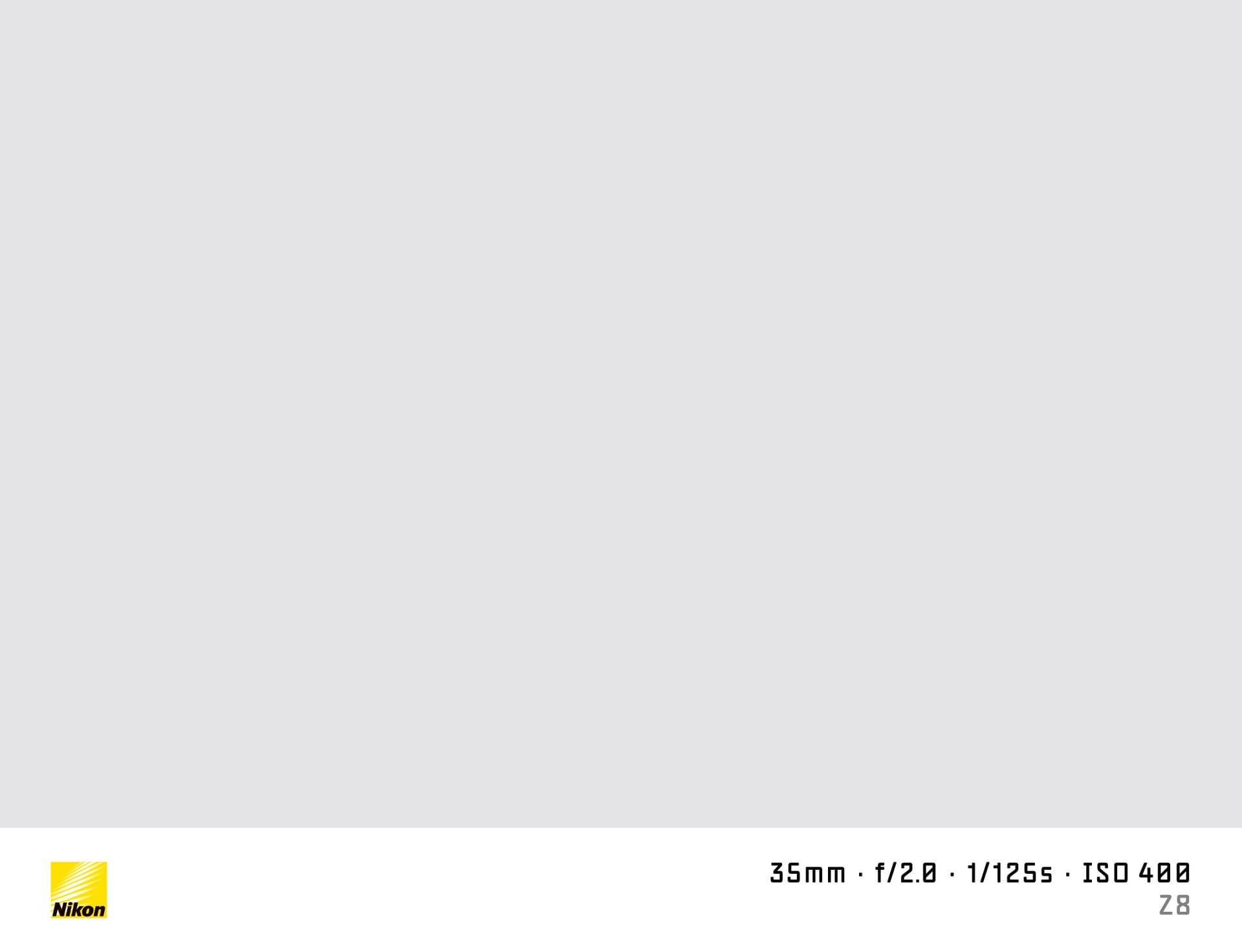
A "shot on Nikon" watermark adds a slim camera info bar to the bottom of your photo. It shows the Nikon logo and the key shooting data — body model, aperture, shutter speed, and ISO — in the clean style common across photography social posts.
SHOTON generates the watermark locally in your browser. No file is ever sent to a server.
What Camera Info Appears?
| Field | Example |
|---|---|
| Brand logo | Nikon logo |
| Camera model | Nikon Z5 |
| Aperture | f/7.1 |
| Shutter speed | 1/320s |
| ISO | ISO 100 |
| Focal length | 27.5mm |
EXIF metadata in your file is read automatically. Every field is editable before you download.
Supported Nikon Models
- Nikon Z8 — 46 MP stacked BSI-CMOS, flagship versatility in a mid-size body
- Nikon Z6 III — partially stacked 24 MP full-frame, fast hybrid shooter
- Nikon Z30 — compact APS-C mirrorless built for content creators and vloggers
- Nikon D850 — 45 MP DSLR, one of the best high-resolution DSLRs ever made
- Nikon Zf — retro-styled full-frame Z mount body with modern innards
All Nikon models are supported. If EXIF doesn't identify your model automatically, you can type any model name in the EXIF tab in the editor.
How to Add a Shot on Nikon Watermark
- Upload your photo using the dropzone above. JPEG, PNG, and HEIC are accepted.
- The Classic frame opens automatically in the editor. SHOTON detects the Nikon logo from EXIF; if the brand is missing, Nikon is suggested and can be changed from Frame settings.
- Edit any EXIF field using the EXIF button in the toolbar.
- Download your full-resolution watermarked image.
Does It Work Without EXIF Data?
Yes. SHOTON falls back to editable defaults if the photo has no metadata. Enter your Nikon model and shooting parameters manually.
Privacy
Image processing runs entirely in your browser. Your photo is not uploaded anywhere.
Frequently Asked Questions
Will the Nikon logo appear on the watermark? Yes. The Nikon logo is included in the Classic watermark bar and is enabled by default.
Can I write a custom camera model? Yes. Open the EXIF editor after uploading and type any model name — Nikon Z8, D850, or any other body.
What if my photo has the wrong ISO or aperture in EXIF? Open the EXIF editor and update the values manually. The watermark will reflect your changes immediately.
Can I use this for Nikon film simulation photos? Yes. SHOTON also has film presets — apply a film look first, then add the watermark.
Is there a limit on how many photos I can watermark? No. SHOTON is completely free with no usage limits.
Does this work on iPhone or Android? Yes. Upload a photo directly from your phone using the dropzone above, or tap Camera Mode to shoot with a live filter preview. SHOTON reads your camera brand from EXIF when available. For uploads from this page, Nikon is suggested if no brand is detected; you can change the logo from Frame settings.
All brand names, logos, and trademarks referenced on this page are the property of their respective owners. SHOTON is an independent tool and is not affiliated with, endorsed by, or sponsored by any camera or phone manufacturer.