

What is a Shot on GoPro Watermark?
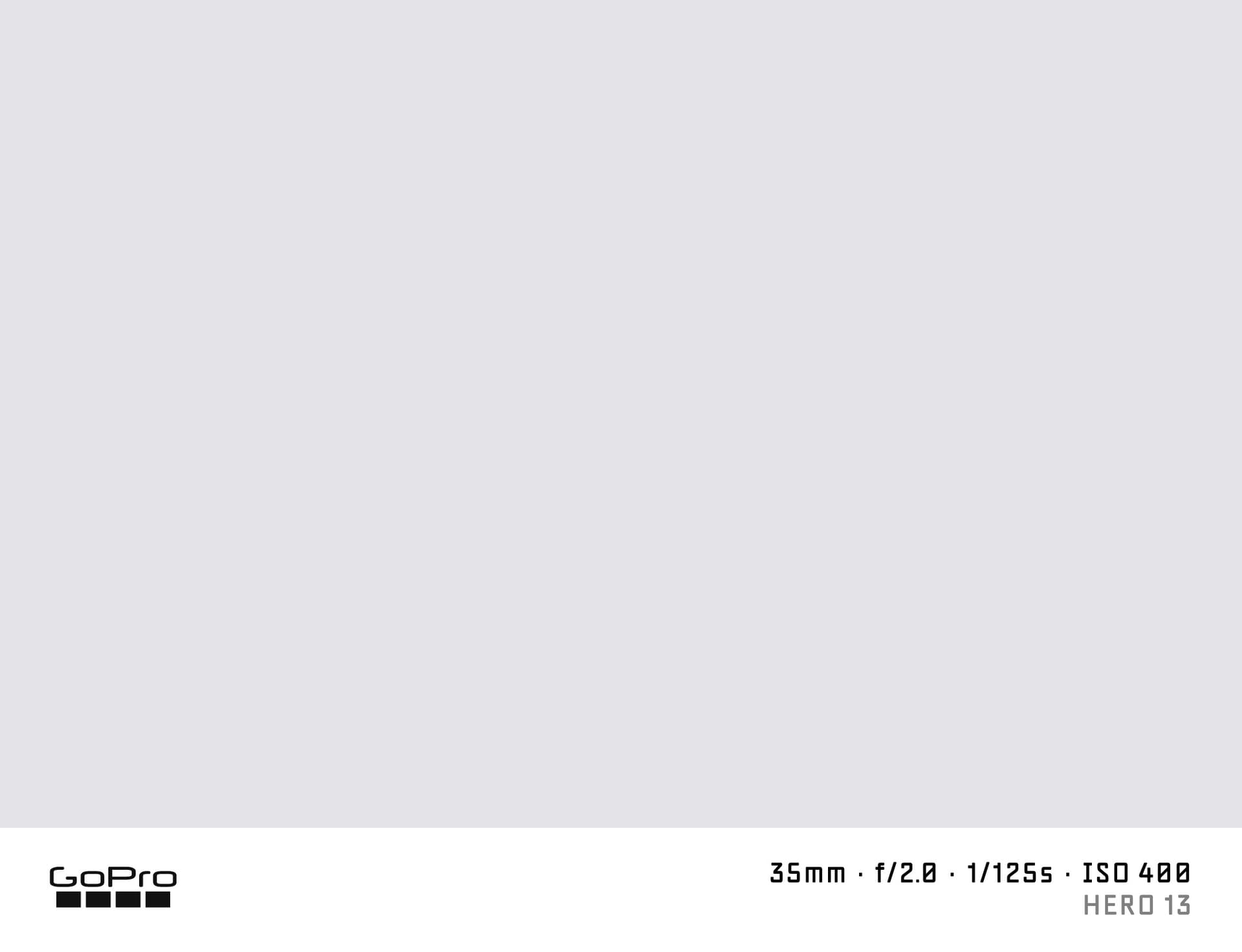
A "shot on GoPro" watermark adds the GoPro logo and your action camera specs to the bottom of a photo. GoPro HERO cameras capture adventure sports, travel, and outdoor footage that ends up on YouTube, social media, and in travel blogs. The watermark lets you credit the gear and show the shooting settings that produced the result.
SHOTON creates this watermark entirely in your browser with no server upload.
What Camera Info Appears?
| Field | Example |
|---|---|
| Brand logo | GoPro logo |
| Camera model | GoPro HERO13 Black |
| Aperture | f/2.8 |
| Shutter speed | 1/1000s |
| ISO | ISO 100 |
| Focal length | 16mm |
GoPro cameras write EXIF data to still photos. All values are editable.
Supported GoPro Models
- GoPro HERO13 Black — 27 MP photos, 5.3K video, HyperSmooth 6.0 stabilisation
- GoPro HERO12 Black — 5.3K, improved colour with HDR video and Enduro battery
- GoPro HERO11 Black Mini — compact body without folding screen, same image quality
- GoPro MAX — 360-degree camera with HERO mode option
All GoPro models are supported. If EXIF doesn't identify your model automatically, you can type any model name in the EXIF tab in the editor.
GoPro EXIF Notes
GoPro cameras write EXIF Make as "GoPro" and the model as the exact camera name. The aperture is fixed per model (the lens is not adjustable). Focal length reflects the wide-angle glass. For the Ultra Wide field of view, the focal length is approximately 14–16mm; for Linear view, it is wider in frame but GoPro writes the physical focal length.
How to Add a Shot on GoPro Watermark
- Upload your GoPro photo from the dropzone above.
- The Classic frame opens automatically. SHOTON detects the GoPro logo from EXIF; if the brand is missing, GoPro is suggested and can be changed from Frame settings.
- Edit model or FOV info in the EXIF editor as needed.
- Download your full-resolution watermarked image.
Privacy
Everything runs in your browser. Photos are never uploaded to any server.
Frequently Asked Questions
Does the GoPro logo appear on the watermark? Yes. The GoPro logo is included in the Classic watermark bar by default.
My GoPro photo does not have aperture or shutter EXIF — what appears? SHOTON falls back to editable defaults. Open the EXIF editor and enter the values manually.
Can I add a custom field-of-view (FOV) note? Yes. Add it to the model field — for example "HERO13 Black — Linear" using the EXIF editor.
Is this free? Yes, completely free.
Does this work on iPhone or Android? Yes. Upload a photo directly from your phone using the dropzone above, or tap Camera Mode to shoot with a live filter preview. SHOTON reads your camera brand from EXIF when available. For uploads from this page, GoPro is suggested if no brand is detected; you can change the logo from Frame settings.
All brand names, logos, and trademarks referenced on this page are the property of their respective owners. SHOTON is an independent tool and is not affiliated with, endorsed by, or sponsored by any camera or phone manufacturer.