
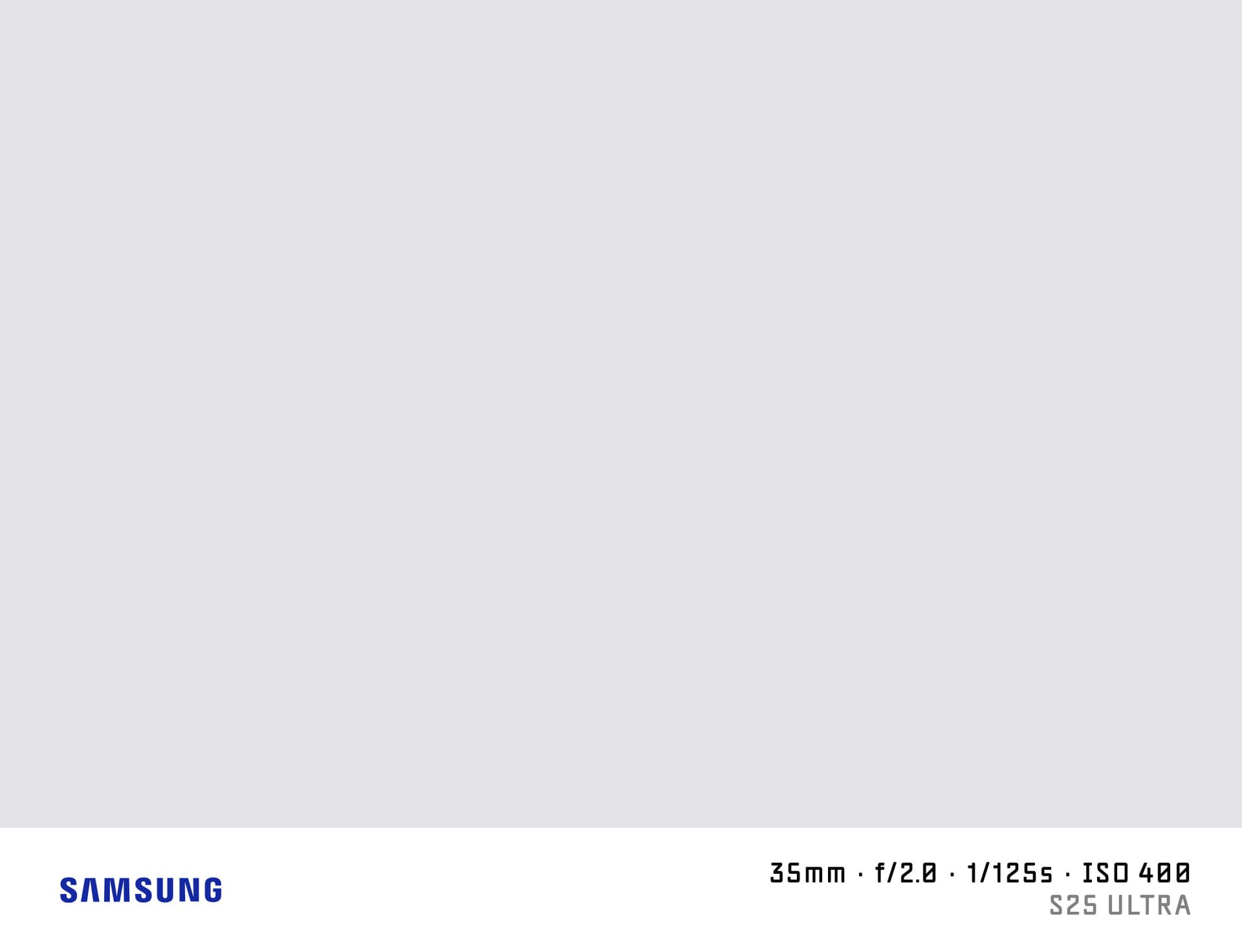

What is a Shot on Samsung Watermark?
A "shot on Samsung" watermark adds the Samsung logo and your Galaxy camera specs to the bottom of your photo. Samsung Galaxy flagship cameras compete directly with dedicated cameras for sharpness, zoom capability, and low-light performance — the shot-on watermark lets you show which phone and camera specs produced your result.
SHOTON generates this watermark in your browser with no server upload.
What Camera Info Appears?
| Field | Example |
|---|---|
| Brand logo | Samsung logo |
| Camera model | Galaxy S25 Ultra |
| Aperture | f/1.7 |
| Shutter speed | 1/1000s |
| ISO | ISO 50 |
| Focal length | 23mm |
EXIF data is read from your photo automatically. You can edit any field before downloading.
Supported Samsung Galaxy Models
- Galaxy S25 Ultra — 200 MP + 50 MP + 10 MP zoom stack with Exynos or Snapdragon
- Galaxy S25+ — 50 MP triple camera with 5× optical zoom
- Galaxy Z Fold 6 — foldable flagship with improved inner display camera
- Galaxy A55 — mid-range with 50 MP main sensor
- Galaxy S24 FE — Fan Edition with triple camera and Exynos 2400
All Samsung Galaxy models are supported. If EXIF doesn't identify your model automatically, you can type any model name in the EXIF tab in the editor.
Samsung EXIF Notes
Samsung writes EXIF Make as "samsung" (lowercase). SHOTON normalises this to the Samsung logo correctly. The model field may include the full string "SM-S938B" instead of the marketing name — use the EXIF editor to replace it with "Galaxy S25 Ultra" or whichever format you prefer.
How to Add a Shot on Samsung Watermark
- Upload your photo using the dropzone above (JPEG, PNG, or HEIC).
- The Classic frame opens automatically. SHOTON detects the Samsung logo from EXIF; if the brand is missing, Samsung is suggested and can be changed from Frame settings.
- Edit the model name in the EXIF editor if the internal model code appears instead of the marketing name.
- Download your watermarked image.
Privacy
All processing runs in your browser. Your photos are never uploaded.
Frequently Asked Questions
My Samsung Galaxy shows a model code like "SM-S928B" instead of "Galaxy S25 Ultra." How do I fix it? Open the EXIF editor after uploading and replace the model text with the display name you want. The watermark will show your edited text.
Does the Samsung logo appear automatically? Yes. The Samsung wordmark is included when Samsung EXIF is detected. If the metadata is missing, Samsung is suggested from this page and can be changed from Frame settings.
Does this work with Samsung HEIC files? Yes. HEIC from Samsung phones is supported.
Is this free? Yes, completely free with no account or limits.
Does this work on iPhone or other phones? Yes. Upload a photo directly from any phone using the dropzone above, or tap Camera Mode to shoot with a live filter preview. SHOTON reads your camera brand from EXIF when available. For uploads from this page, Samsung is suggested if no brand is detected; you can change the logo from Frame settings.
All brand names, logos, and trademarks referenced on this page are the property of their respective owners. SHOTON is an independent tool and is not affiliated with, endorsed by, or sponsored by any camera or phone manufacturer.