
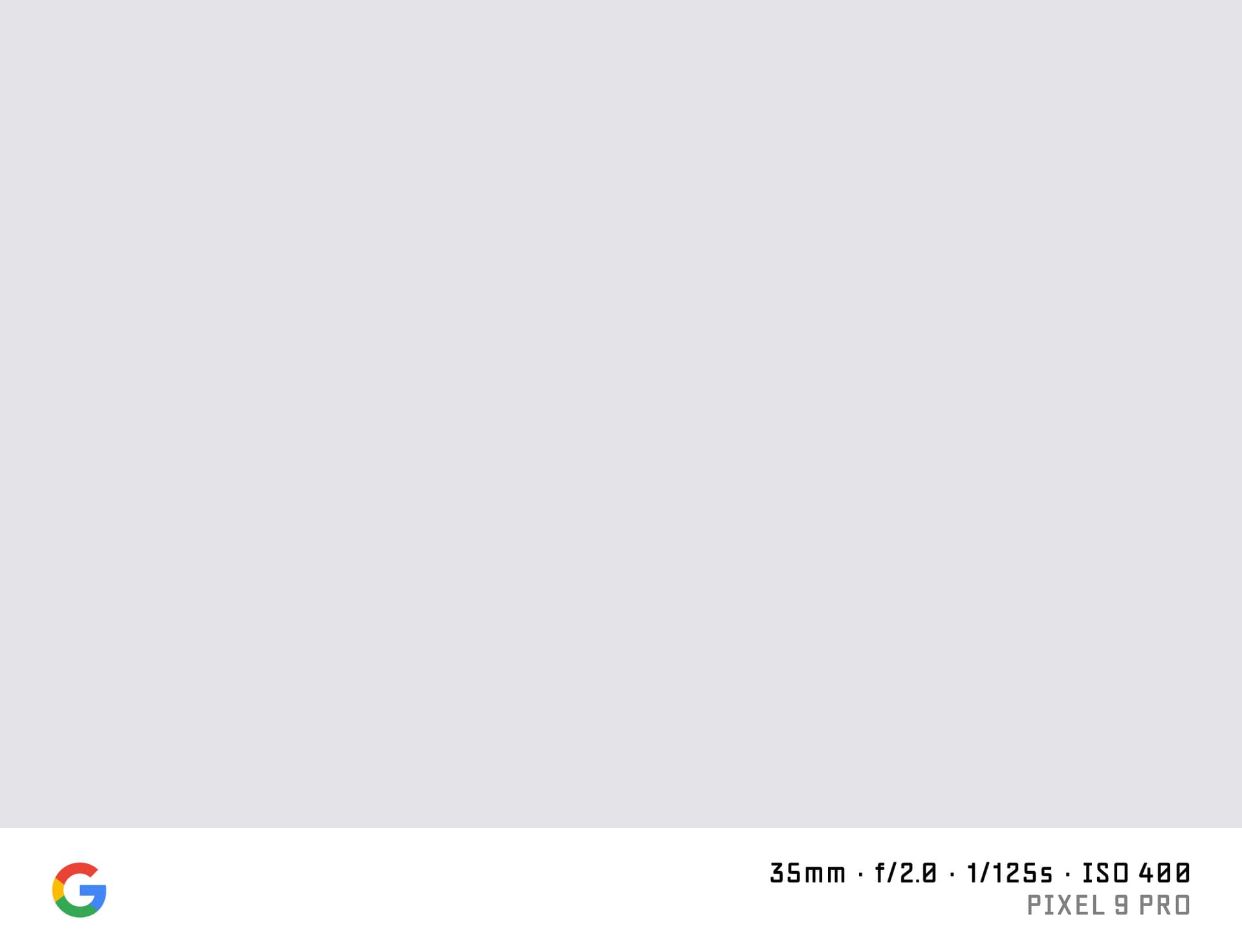

What is a Shot on Google Pixel Watermark?
A "shot on Google" or "shot on Pixel" watermark adds the Google logo and your Pixel camera info to the bottom of your photo. Google Pixel cameras are known for their computational photography — Night Sight, Magic Eraser, Photo Unblur — and photographers use the shot-on watermark to credit the Pixel's AI-powered imaging when sharing online.
SHOTON builds this watermark locally in your browser. No data is transmitted.
What Camera Info Appears?
| Field | Example |
|---|---|
| Brand logo | Google logo |
| Camera model | Google Pixel 9 Pro |
| Aperture | f/1.68 |
| Shutter speed | 1/500s |
| ISO | ISO 64 |
| Focal length | 24mm |
Google Pixel phones write detailed EXIF. Values are read automatically and are editable.
Supported Google Pixel Models
- Pixel 9 Pro XL — 50 MP + 48 MP ultrawide + 48 MP 5× tele, Google's largest flagship
- Pixel 9 Pro — compact flagship with 5× optical zoom and Tensor G4
- Pixel 9 — base model with balanced camera performance
- Pixel 8a — mid-range with the same Tensor G3 as Pixel 8 Pro
- Pixel Fold — foldable Pixel with outer and inner camera systems
All Google Pixel models are supported. If EXIF doesn't identify your model automatically, you can type any model name in the EXIF tab in the editor.
Google Pixel EXIF Notes
Google writes EXIF Make as "Google" and Model as the full Pixel model string. SHOTON reads this correctly. The aperture field reflects the primary lens aperture, which is fixed per lens module (not adjustable in software). If you shot with the ultrawide or telephoto, the aperture and focal length will differ — you can edit these in the EXIF editor to match the module you used.
How to Add a Shot on Pixel Watermark
- Upload your Pixel photo using the dropzone above.
- The Classic frame opens automatically in the editor. SHOTON detects the Google logo from EXIF; if the brand is missing, Google is suggested and can be changed from Frame settings.
- Open the EXIF editor to adjust the model name if desired.
- Download your full-resolution image with the watermark.
Privacy
All processing runs in your browser. Photos are never uploaded to any server.
Frequently Asked Questions
Will the Google "G" logo appear on the watermark? Yes. The Google logo is included in the Classic watermark bar by default.
Can I write "Pixel 9 Pro" instead of "Google Pixel 9 Pro"? Yes. The EXIF editor lets you write any text in the model field.
Does this work with Google Pixel photos that have been edited in Google Photos? Yes, as long as the exported file is a JPEG or PNG. Some Google Photos edits strip EXIF — enter the values manually in the EXIF editor if needed.
Is this free? Yes, completely free with no account.
Does this work on iPhone or other phones? Yes. Upload a photo directly from any phone using the dropzone above, or tap Camera Mode to shoot with a live filter preview. SHOTON reads your camera brand from EXIF when available. For uploads from this page, Google is suggested if no brand is detected; you can change the logo from Frame settings.
All brand names, logos, and trademarks referenced on this page are the property of their respective owners. SHOTON is an independent tool and is not affiliated with, endorsed by, or sponsored by any camera or phone manufacturer.