
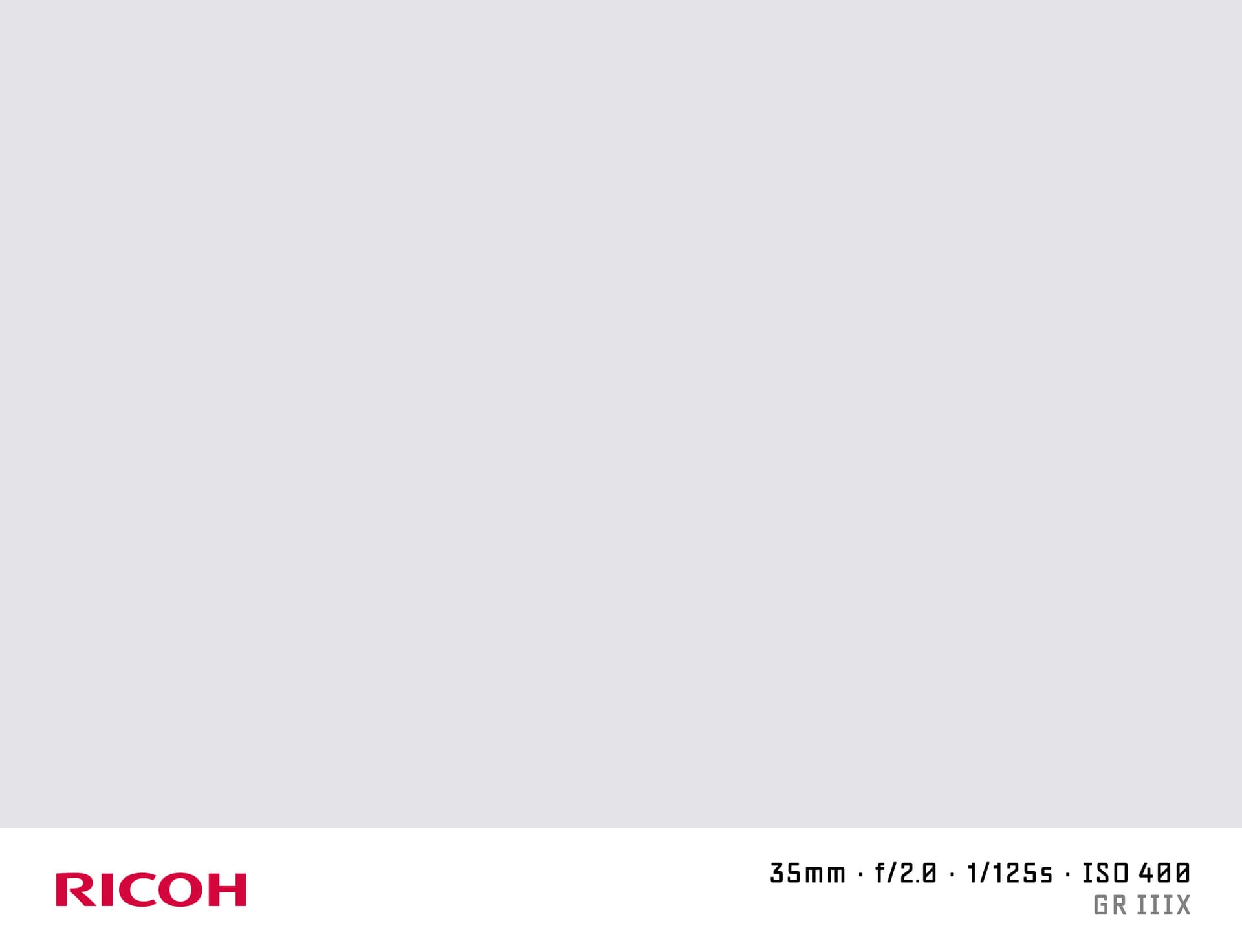

What is a Shot on Ricoh Watermark?
A "shot on Ricoh" watermark adds the Ricoh (or Pentax) logo and your camera details to the bottom of your photo. Ricoh's GR series — particularly the GR IIIx and GR III — has a devoted street photography following. The watermark is used to credit these compact but capable cameras on social media and photography communities.
Ricoh also owns the Pentax brand, and older Pentax DSLRs write EXIF Make as "PENTAX." SHOTON supports both.
What Camera Info Appears?
| Field | Example |
|---|---|
| Brand logo | Ricoh logo |
| Camera model | Ricoh GR IIIx |
| Aperture | f/2.8 |
| Shutter speed | 1/500s |
| ISO | ISO 200 |
| Focal length | 40mm |
EXIF data reads automatically. All fields are editable.
Supported Ricoh and Pentax Models
- Ricoh GR IIIx — 24 MP APS-C, 40mm equivalent fixed lens, street photography pocket camera
- Ricoh GR III — 24 MP APS-C, 28mm equivalent, the original GR revival
- Pentax K-3 Mark III — 26 MP APS-C DSLR with Pixel Shift Resolution
- Pentax KF — weather-sealed entry DSLR, accepts all Pentax K-mount lenses
- Ricoh GR IIIx HDF — High Definition Filter edition with softer highlight rendering
All Ricoh and Pentax models are supported. If EXIF doesn't identify your model automatically, you can type any model name in the EXIF tab in the editor.
Ricoh / Pentax EXIF Notes
Ricoh cameras write EXIF Make as "RICOH IMAGING COMPANY, LTD." while Pentax bodies write "PENTAX" or "PENTAX Corporation." SHOTON normalises all variants to the Ricoh logo. If you prefer to display the Pentax branding, type "Pentax" in the brand field in the EXIF editor — note that the visual logo will still be the Ricoh logo since Ricoh is the SHOTON-supported key.
How to Add a Shot on Ricoh Watermark
- Upload your photo from the dropzone above.
- The Classic frame opens automatically. SHOTON detects the Ricoh logo from EXIF; if the brand is missing, Ricoh is suggested and can be changed from Frame settings.
- Edit model and aperture in the EXIF editor if needed.
- Download your watermarked image.
Privacy
Processing runs entirely in your browser. No photos are sent to any server.
Frequently Asked Questions
My Pentax K-3 III shows "PENTAX" in EXIF — will the Ricoh logo appear? Yes. SHOTON maps Pentax EXIF to the Ricoh brand key and applies the Ricoh logo.
Can I use SHOTON for Ricoh GR IIIx photos from the built-in in-camera JPEG engine? Yes. Ricoh GR cameras produce clean JPEGs with good EXIF data. Upload directly.
Does the 40mm equivalent focal length show correctly for the GR IIIx? The GR IIIx records the actual sensor-plane focal length (26.1mm) in EXIF. You can change this to "40mm equiv." in the EXIF editor.
Is this free? Yes, completely free.
Does this work on iPhone or Android? Yes. Upload a photo directly from your phone using the dropzone above, or tap Camera Mode to shoot with a live filter preview. SHOTON reads your camera brand from EXIF when available. For uploads from this page, Ricoh is suggested if no brand is detected; you can change the logo from Frame settings.
All brand names, logos, and trademarks referenced on this page are the property of their respective owners. SHOTON is an independent tool and is not affiliated with, endorsed by, or sponsored by any camera or phone manufacturer.